Budgets and chargeback
Set budgets for all AI or a slice of it, get warned before a forecast passes them, and allocate spend to teams by rules.
Online version, always current: https://cloudvision360.com/docs/agentvision360/budgets-and-chargeback/
Budgets and chargeback make AI spend something each team owns, before the bill arrives.
Budgets
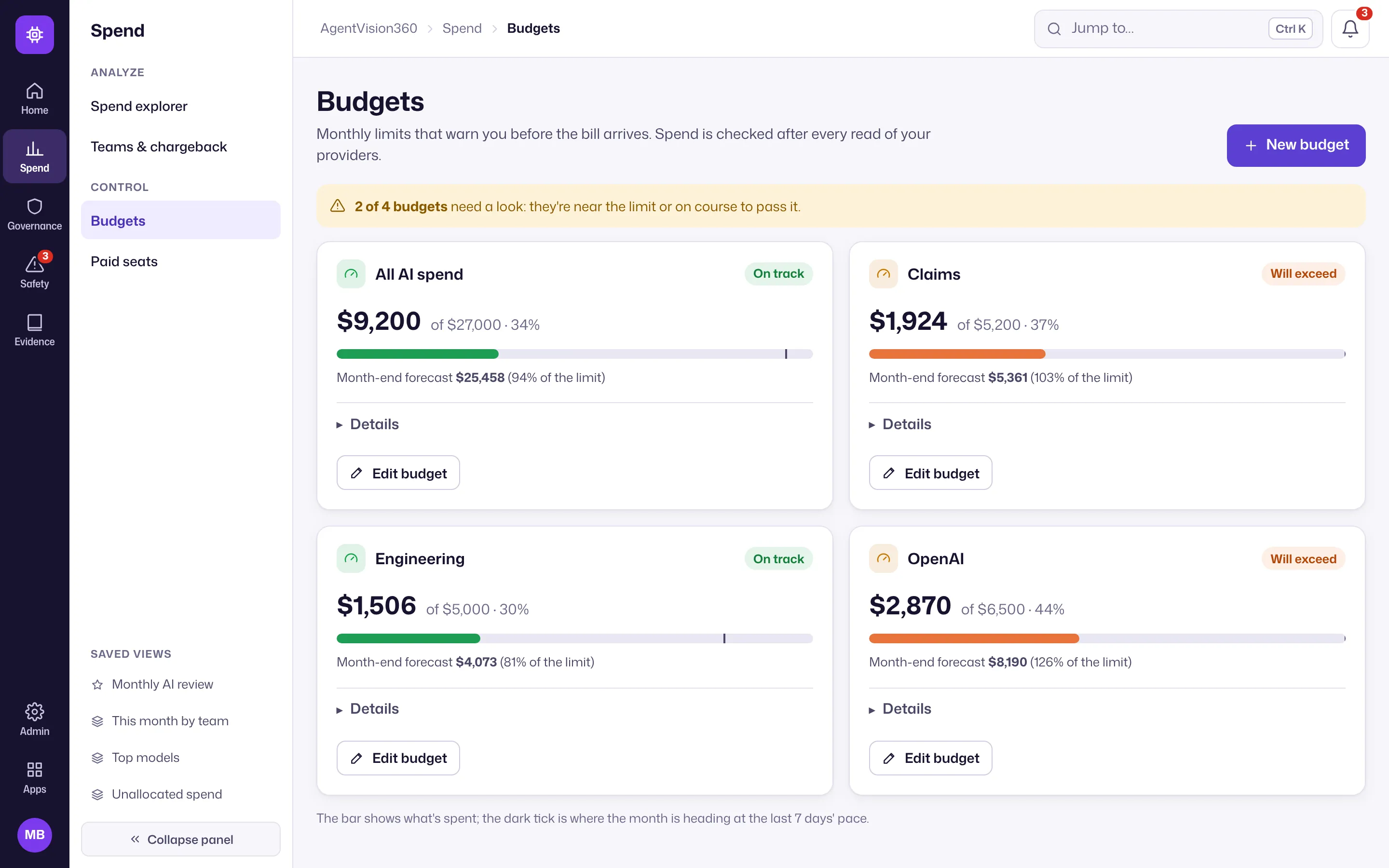
Set a budget for all AI, a provider, an account or a team, each with alert thresholds. AgentVision360 warns when the forecast will pass a budget, before it does — not after the month closes.
Chargeback and allocation
Define teams by rules on projects, keys, models or whole accounts, so spend is attributed automatically as it arrives. Unallocated spend is shown rather than hidden, so you can tighten the rules until everything is accounted for.
Set a budget
- Open Spend → Budgets and choose New budget (or “Set a budget” in jump-to, Ctrl+K).
- Choose the scope (all AI, a provider, an account or a team).
- Set the monthly amount and alert thresholds.
- Choose where warnings go.
Set up chargeback
Open Spend → Teams & chargeback, choose New team, and add rules that match its projects, keys, models or accounts. Review the unallocated figure and refine until it is as small as you need.
Related
The underlying numbers come from the spend explorer; paid-seat waste is covered in paid seats.