Use AgentVision360
Everyday AgentVision360 - read AI spend by provider, model and team, follow budgets, review the governance of AI identities and handle alerts.
Online version, always current: https://cloudvision360.com/docs/guides/use-agentvision360/
For FinOps, IT and security people who keep AI spend and AI identities under control. Viewers can read everything; changing budgets, teams and connections needs the admin or owner role.
Start on Home
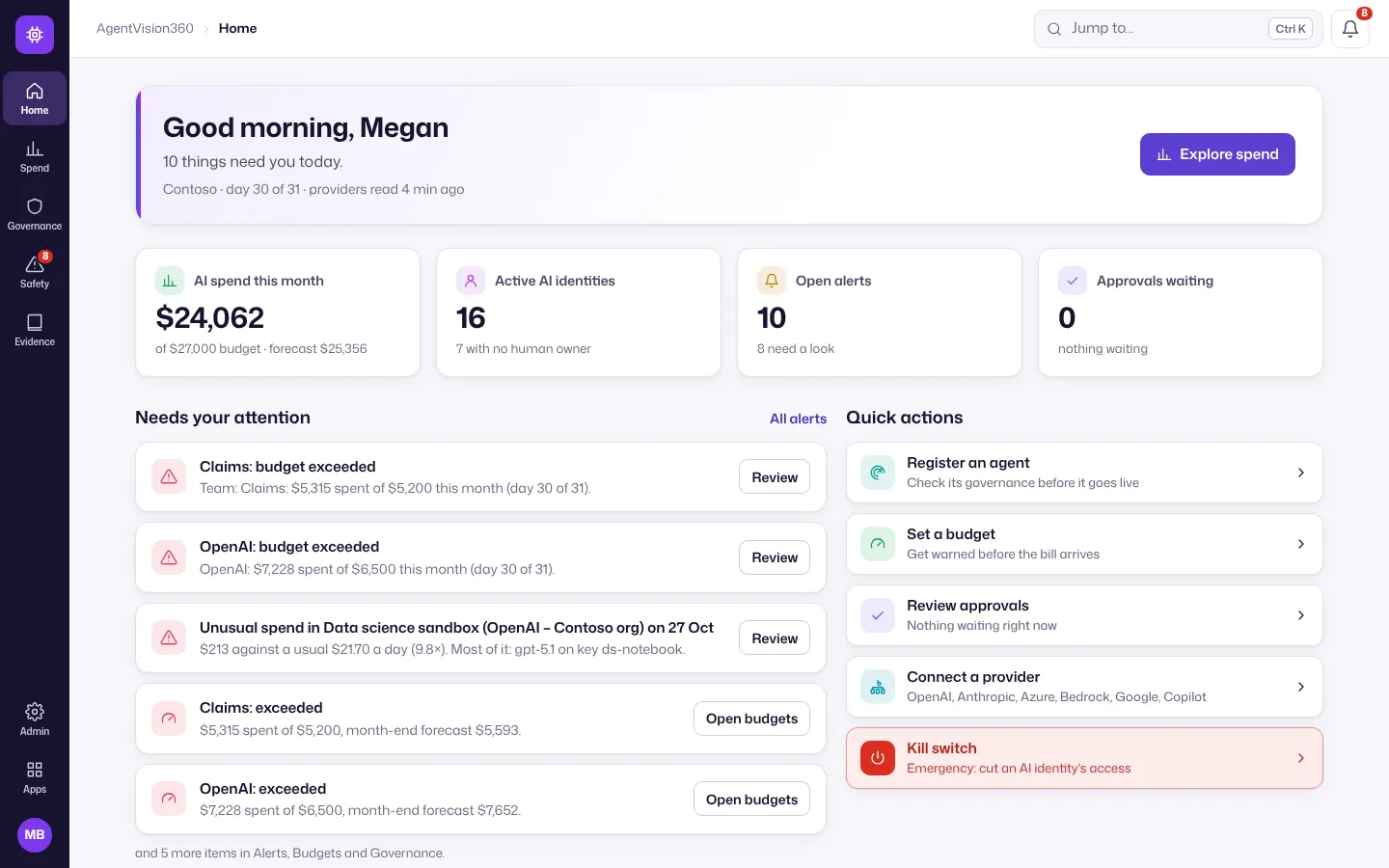
Home shows AI spend this month against your budget and forecast, active AI identities, open alerts and approvals waiting, what needs your attention, and spend by provider, model and team.
Explore spend
- Open Spend → Spend explorer.
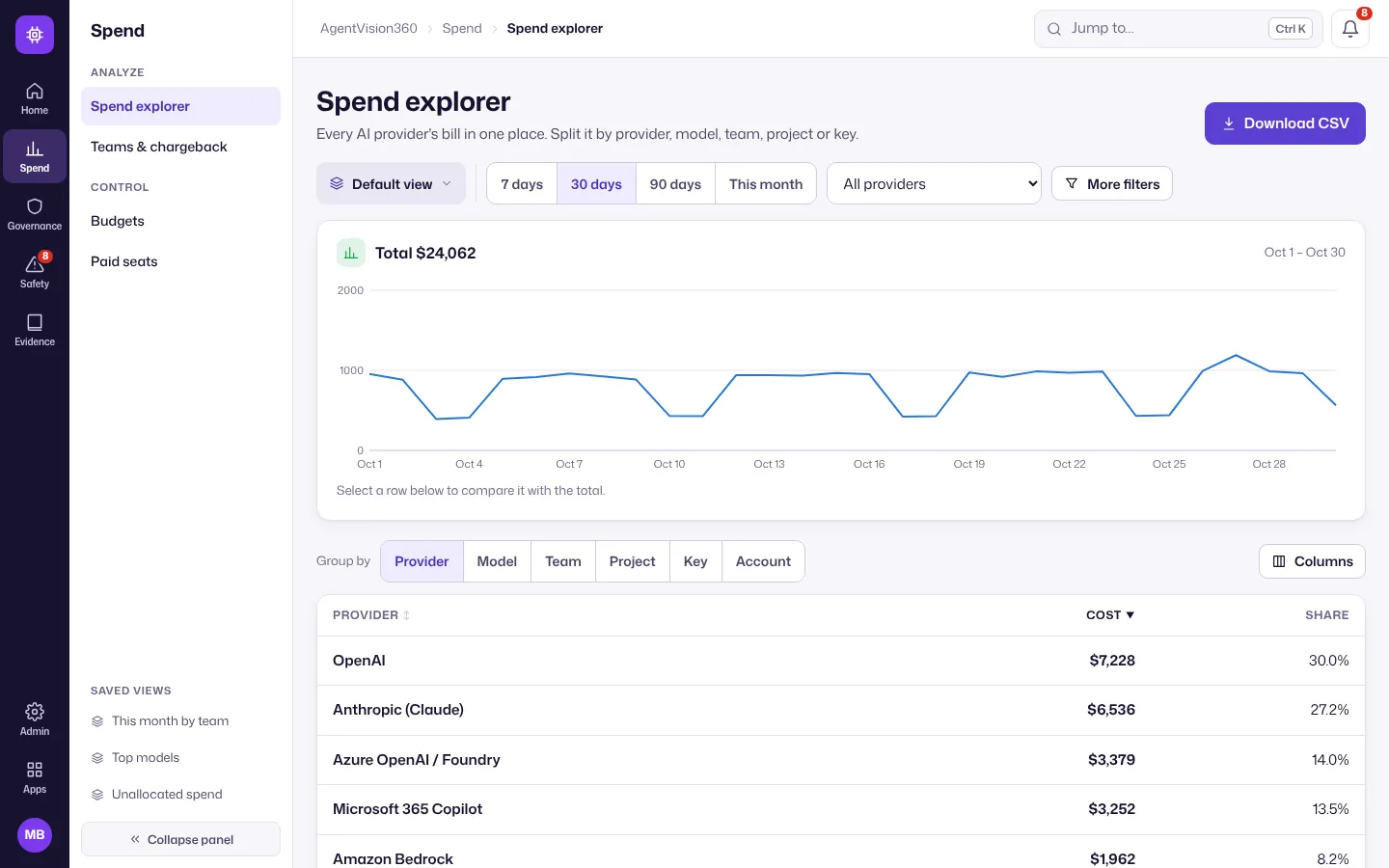
- Pick the period (7 days, 30 days, 90 days, This month) and filter by provider; More filters adds team, key and model.
- Use Group by (Provider, Model, Team, Project, Key, Account) to split the total. Select a row to compare it with the total on the chart.
- Download CSV exports what you see.
More in Spend explorer.
Follow budgets and teams
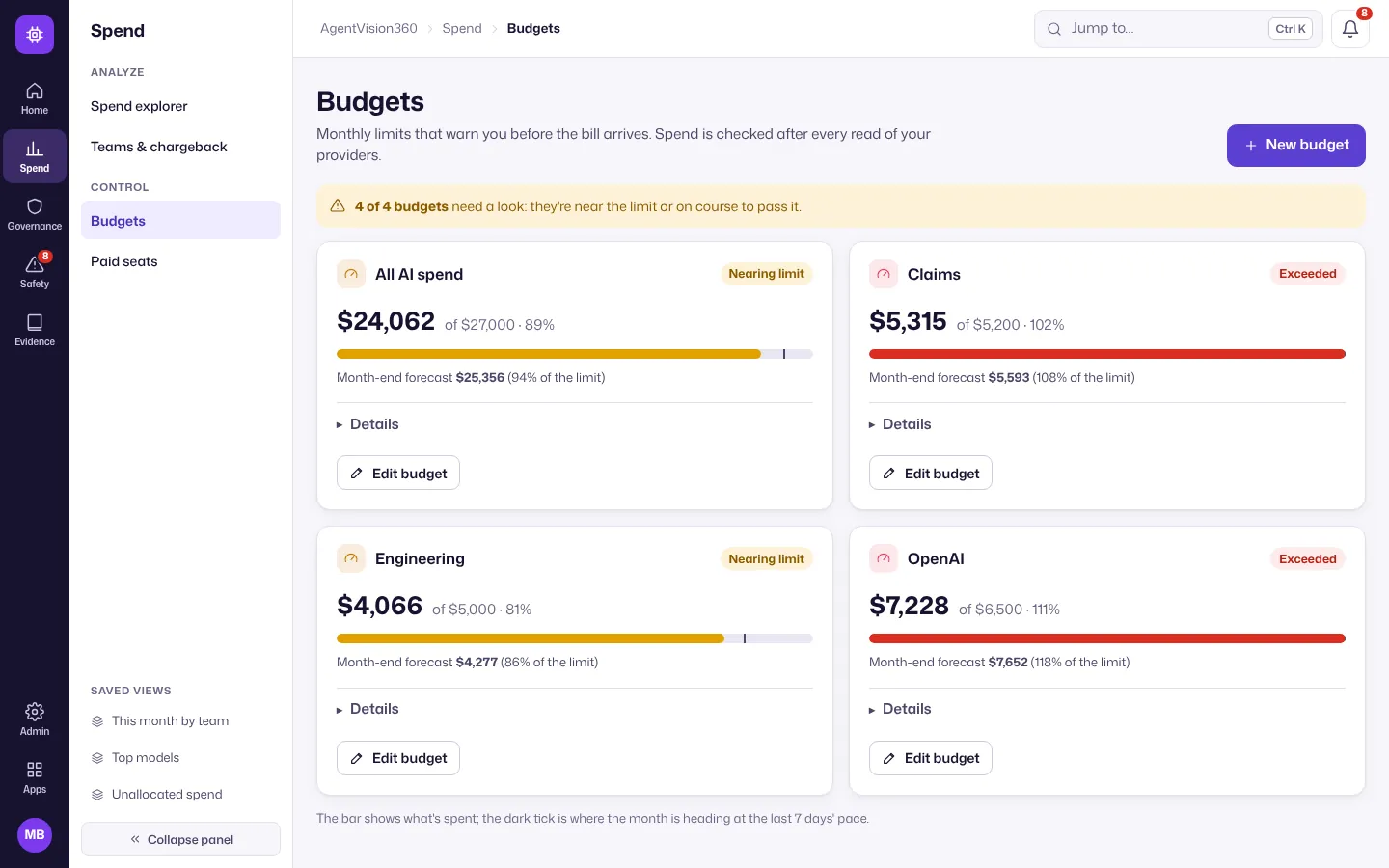
Spend → Budgets shows each budget’s spend, the month-end forecast and whether it’s nearing or over its limit. Edit budget changes the limit or the warnings.
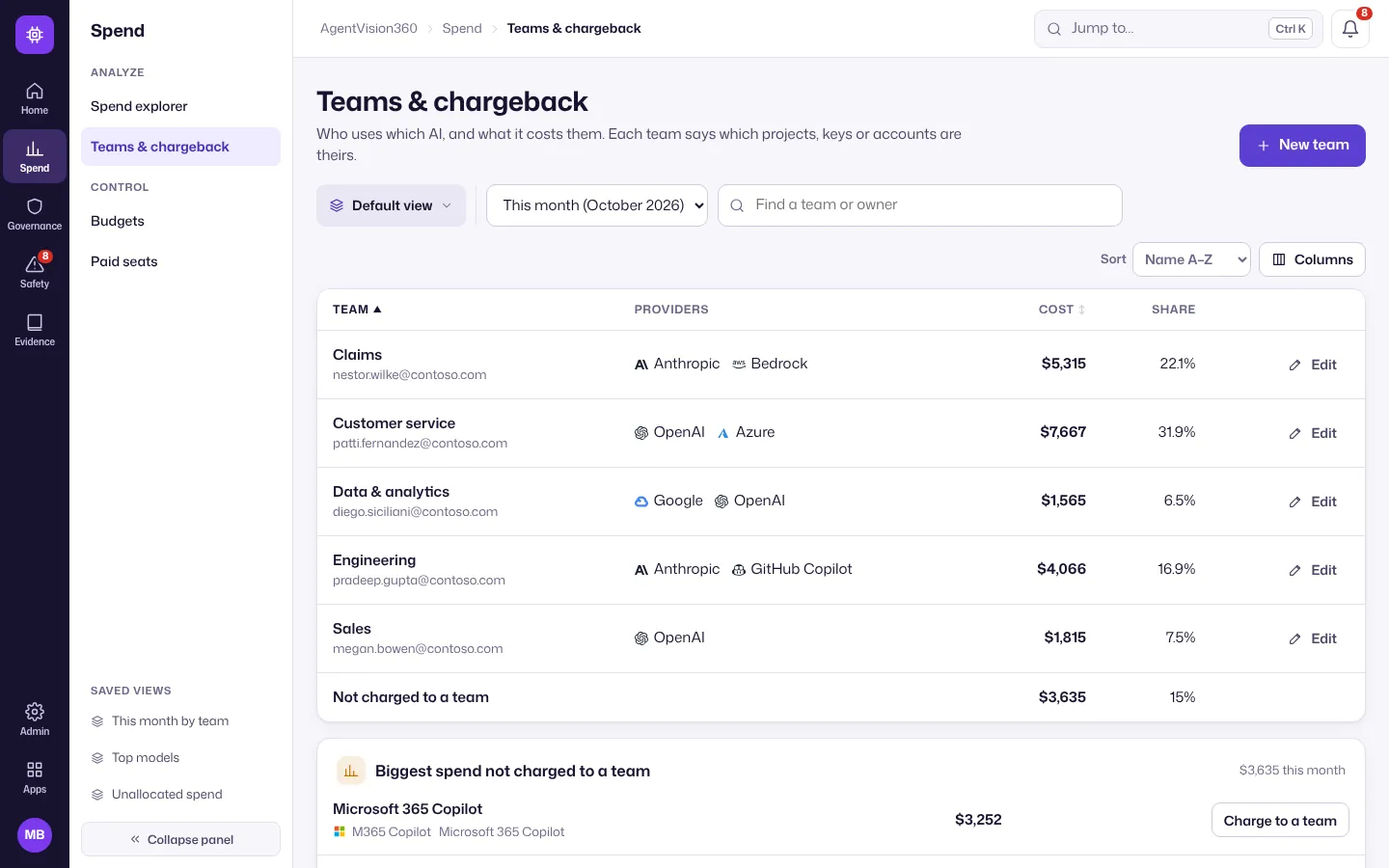
Spend → Teams & chargeback shows each team’s cost and share, and the biggest spend not charged to a team yet with a Charge to a team shortcut.
Review governance
-
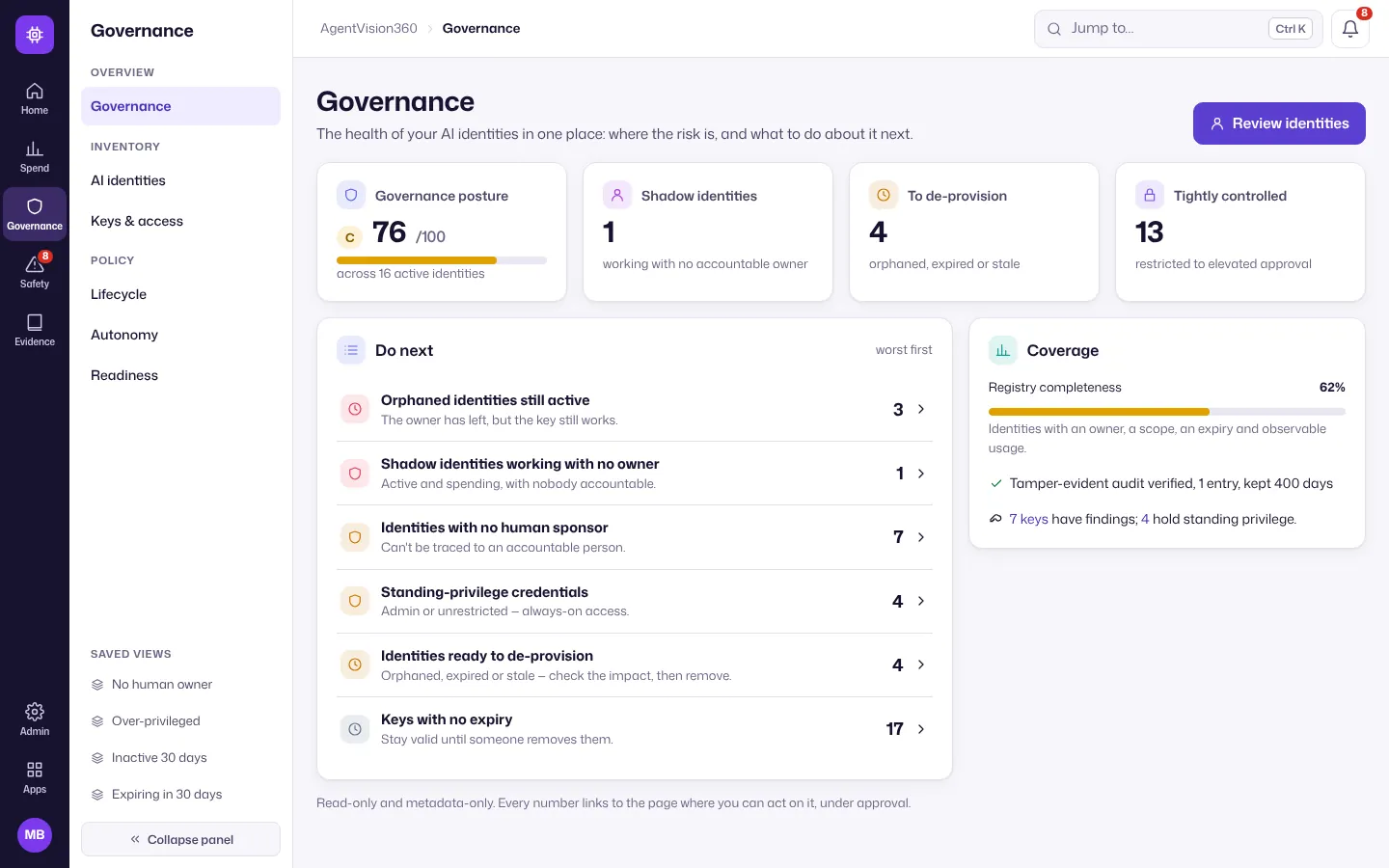
Open Governance. The overview scores the health of every AI identity (keys, service accounts, agents) and lists what to do first: orphaned identities still active, shadow identities with no owner, identities without a human sponsor, standing privilege and keys that never expire.
-
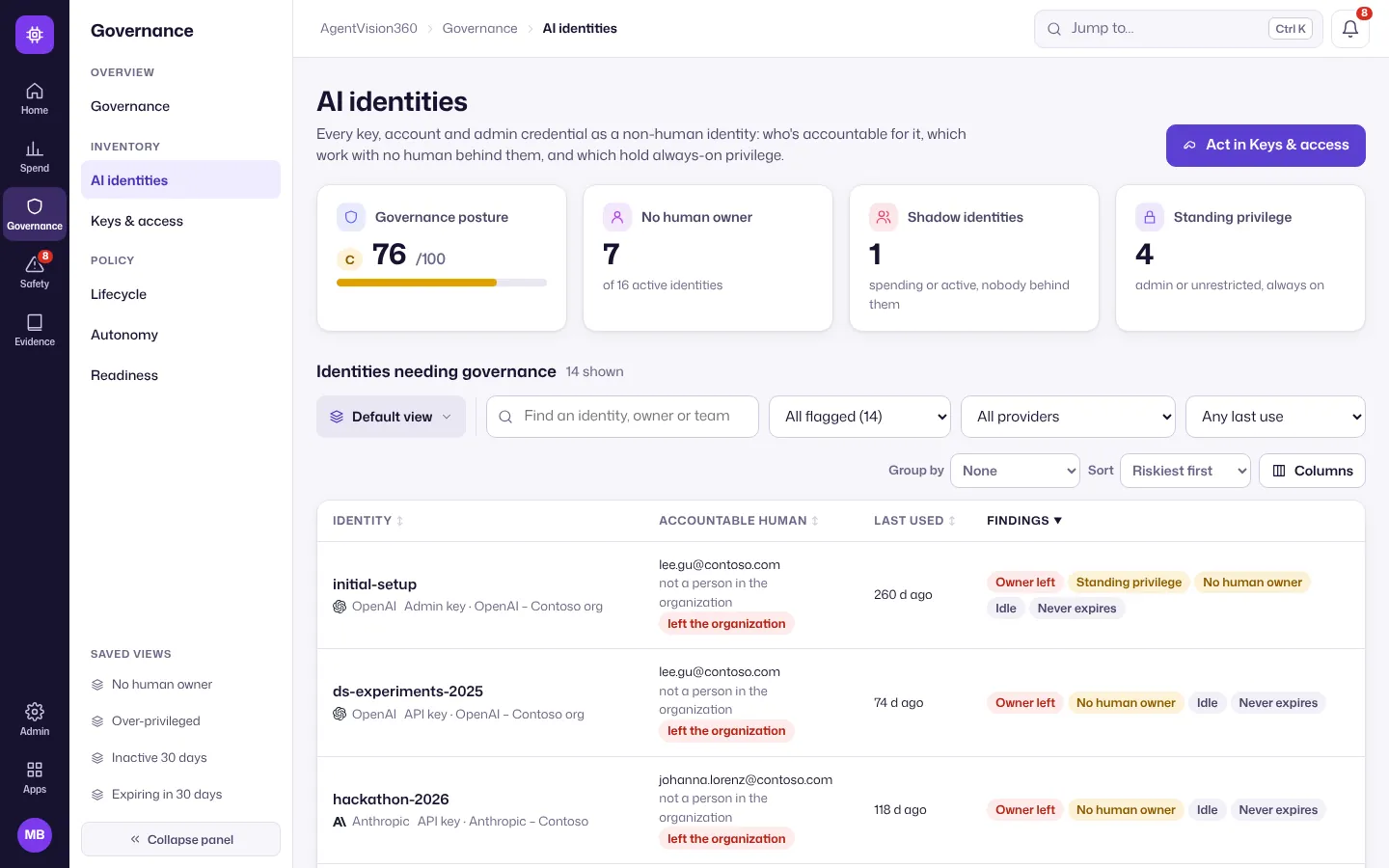
Select a line to see the identities behind it, or open AI identities for the full list with the accountable human, last use and findings for each.
-
Assign an owner, de-provision what’s unused, or open Keys & access to rotate keys. In an emergency, the Kill switch cuts an AI identity’s access at once.
More in Agent identity governance.
Handle alerts
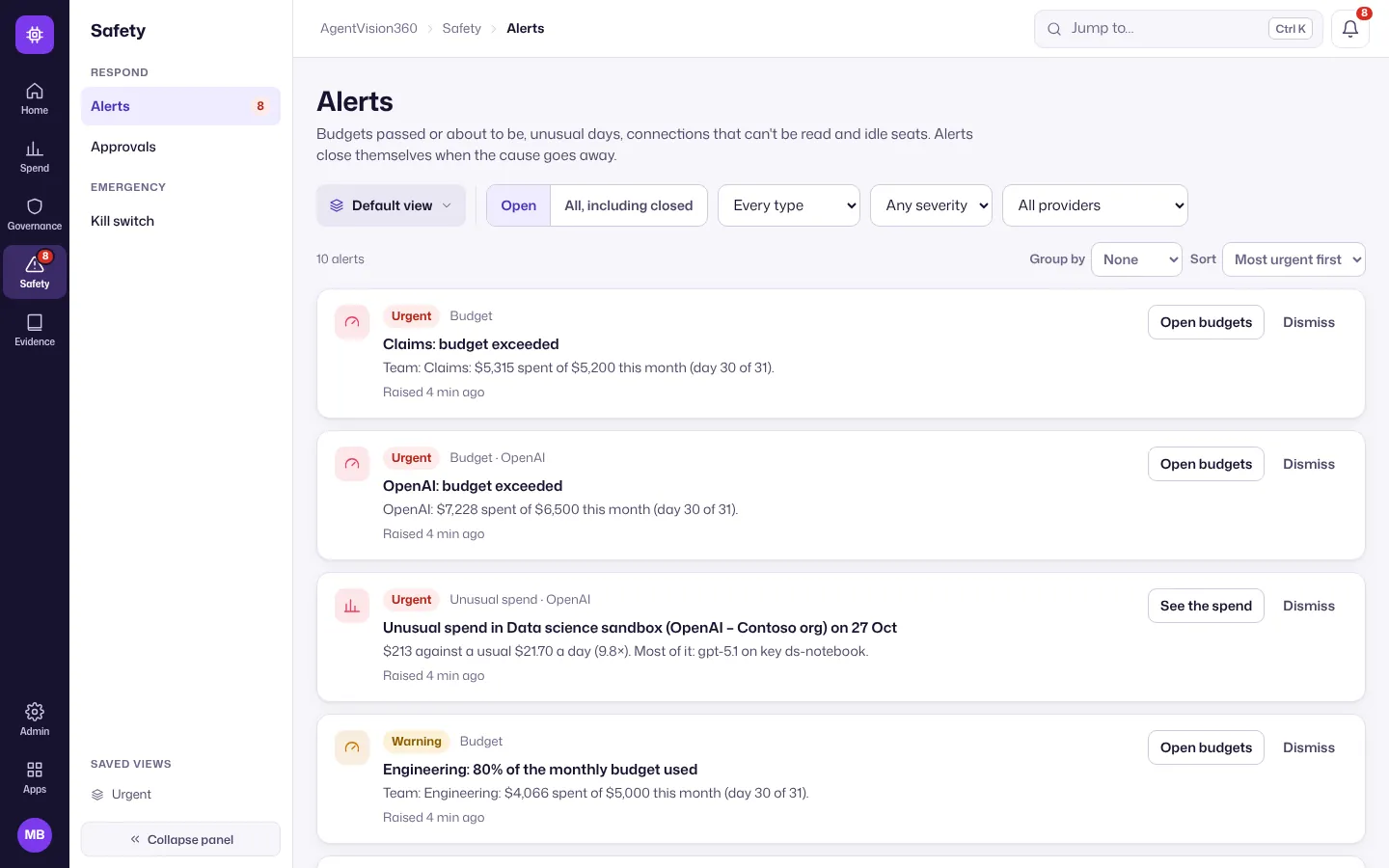
Open Safety → Alerts: budgets exceeded or about to be, unusual spend, connections that can’t be read and idle seats, most urgent first. Each alert has a button to the page that fixes it (for example Open budgets or See the spend); Dismiss closes it.