What is ITOps360
Tickets, devices, identities, assets and governed automation in one service desk that fixes problems before they become tickets.
Online version, always current: https://cloudvision360.com/docs/itops360/overview/
ITOps360 brings tickets, devices, identities, network assets and automation into one service desk. It finds unhealthy devices and unmanaged assets on its own, offers the fixes your policy allows, and only calls a problem fixed once it has checked.
What it covers
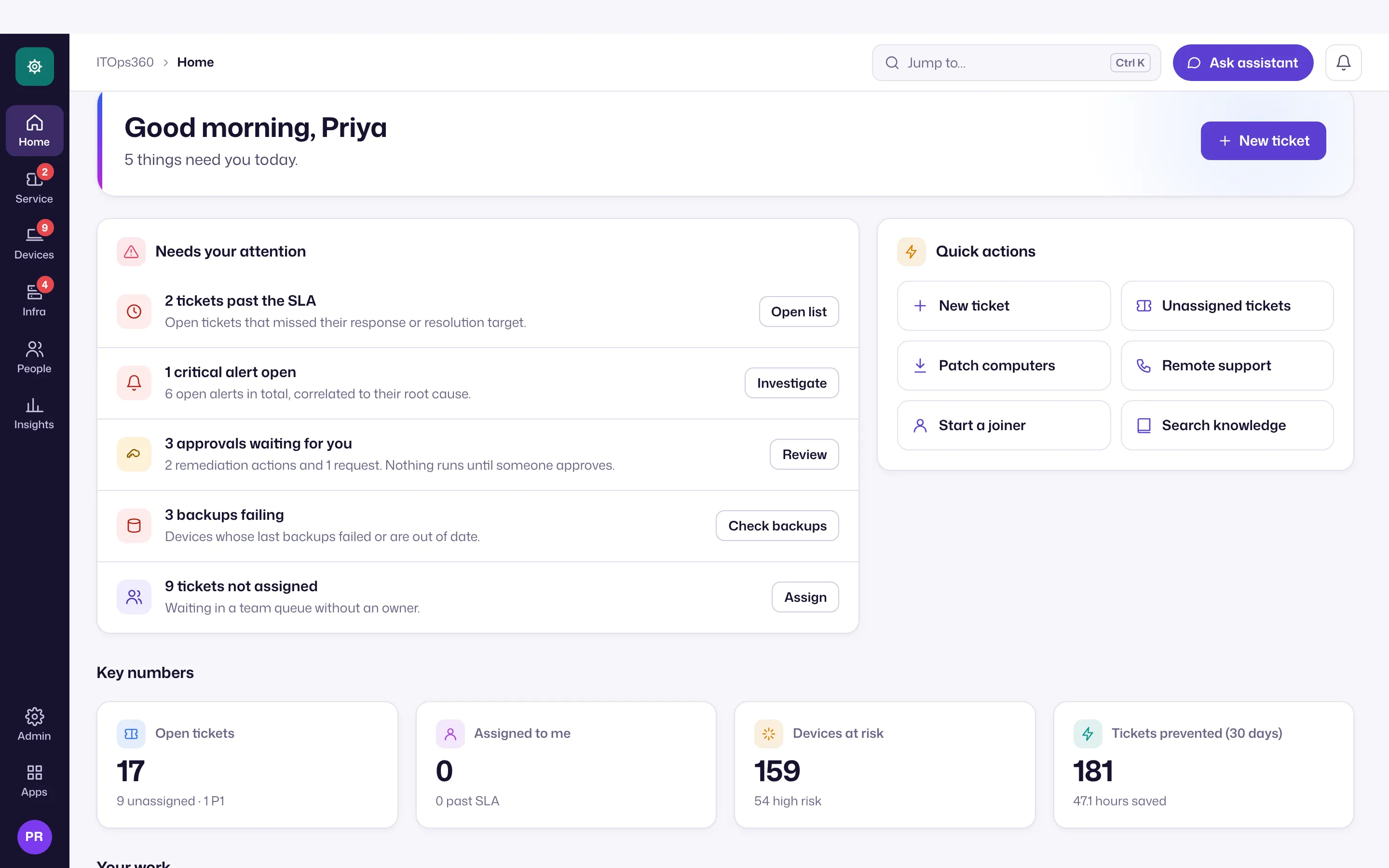
Each area is a hub in the icon rail on the left:
- Service desk: tickets and SLAs, approvals, workload and announcements, replies and templates, the knowledge base and automation.
- Devices: device health, proactive fixes, remote support, patching, backup health and alerts.
- Infrastructure: assets, unmanaged devices, owners, websites and ports, topology, attack paths and directory clean-up.
- People: identities, the credential vault, joiners and leavers.
- Insights: executive, helpdesk and endpoint dashboards, reports and the audit trail.
Settings and Customers sit under Admin at the bottom of the rail. Big lists such as Tickets and Devices have saved views and group by.
Governed like the rest of the platform
Like CloudVision360, ITOps360 runs changes through policy, approval and verification: low-risk fixes may run on their own, anything riskier waits for a second person, every job sent to a device is signed, and a run stays open until the device reports the intended state.
Licensing
ITOps360 is a standalone product with its own license and roles, priced per technician; employees who raise requests are free. With the CloudVision360 portal, one sign-in opens every product you use from My Apps.
Get started
See connect identity and devices to bring your estate in.