Patch management
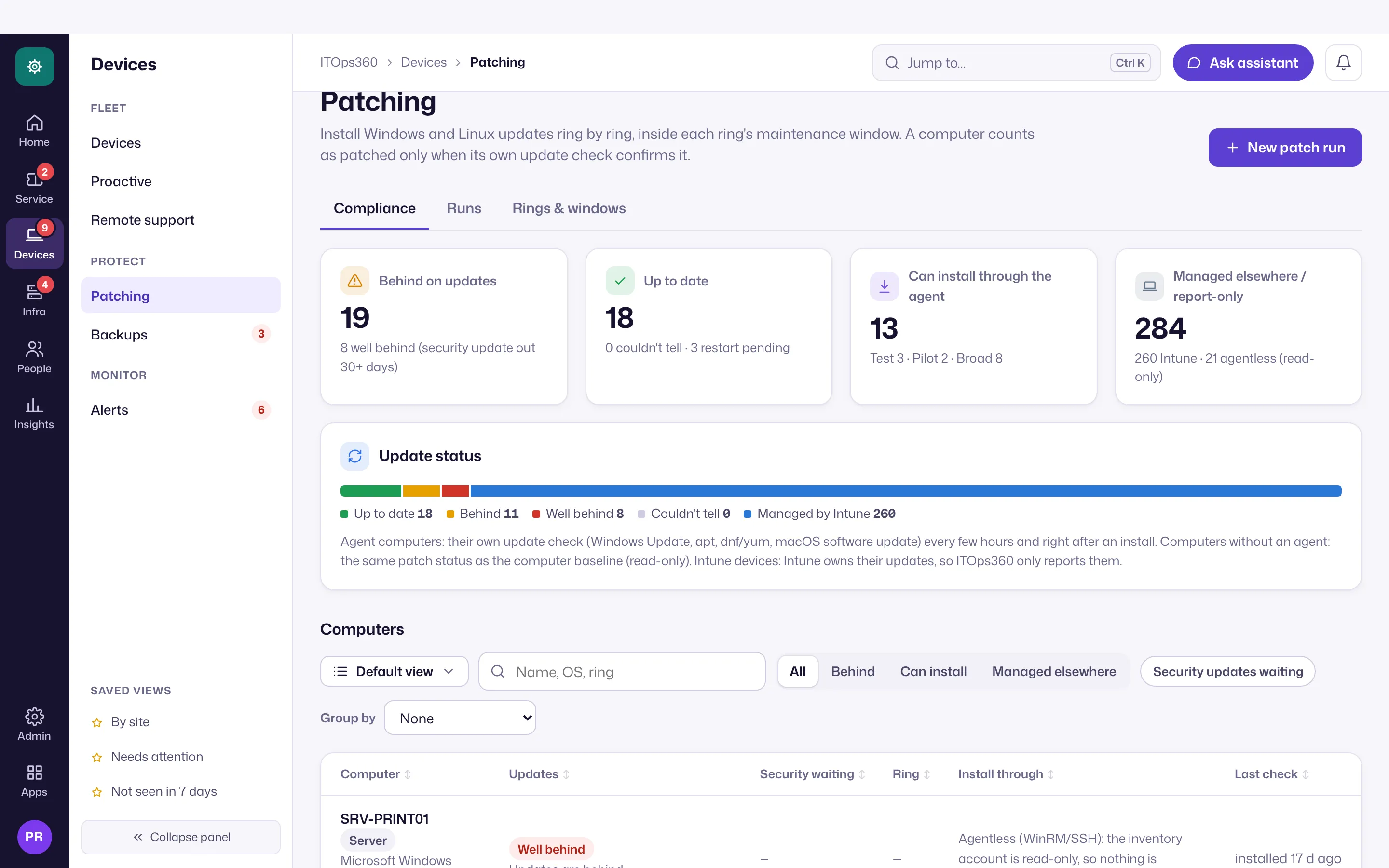
Install patches through the agent in rings, inside maintenance windows, with approval and verification.
Online version, always current: https://cloudvision360.com/docs/itops360/patch-management/
Patching through ITOps360 is deliberate and verified, not a blunt “install everything now”.
How it works
Patches install through the ITOps360 agent, with the controls you expect of change management:
- Rings — roll out to a pilot group first, then wider rings, so a bad patch is caught early.
- Maintenance windows — installs happen only inside the windows you define.
- Approval — a patch run is approved before it proceeds.
- Verification — the agent confirms the patch is actually installed; a run stays open until it does.
Off until you turn it on
Patch installation is disabled by default. ITOps360 will report patch status and recommend patches without ever installing one until you explicitly enable patching and configure rings and windows.
Platforms
Windows, macOS and Linux, through the agent.
Set it up
Open Devices → Patching, define your rings and maintenance windows, set the approval requirement, and enable patching for the device groups you choose. Patch status feeds the device health score.