What is BackupVision360
Backup and recovery in early access. What works today, what is simulated, and what is still on the roadmap.
Online version, always current: https://cloudvision360.com/docs/backupvision360/overview/
BackupVision360 is the backup and recovery product of the CloudVision360 platform. It protects Microsoft 365, virtual machines and cloud resources, writes encrypted backups into storage you own or into our locked managed storage, and makes every restore and every destructive change wait for a second person. It also watches the backup tools you already run, for free.
BackupVision360 is in early access. This page says plainly what you can use today and what is still being built, so you can plan around it.
Status today
| Area | Status |
|---|---|
| Microsoft 365: mailboxes, OneDrive and SharePoint sites, with incremental runs | Available in early access |
| Restores as files: download, or export to another storage target | Available |
| Restoring Microsoft 365 straight back into the original mailbox, OneDrive or site | New in early access |
| Storage: your own buckets and shares, or BackupVision360 managed storage | Available |
| Four-eyes restores and destructive-change protection | Available |
| Monitoring other backup tools: Veeam Backup & Replication | Available, free in every plan |
| N-able Cove and Datto monitoring | New in early access, free in every plan |
| vSphere: connect vCenter and see every VM, host and cluster | Available |
| vSphere: live VM backup through an on-premises mover (VDDK) | On the roadmap (works today against a simulated vCenter only) |
| Cloud snapshots of AWS, Azure and Google Cloud, with live connections to your accounts | New in early access |
| Disaster-recovery drills with measured recovery times (Business) | New in early access |
| Laptop, desktop and server backup through the ITOps360 agent | New in early access |
New in early access means built and tested, and now being verified with early customers in their own tenants and accounts. The app says the same: pages for things that aren’t live yet explain what they will hold and what to set up first, and simulated connections are labeled Simulated. Simulated providers exist for demos, development and tests; production refuses them.
How it is built to be safe
- Encrypted before it is written. Data is chunked and encrypted before it is written, under keys unique to your organization. By default BackupVision360 holds the key that wraps them; with your own KMS key (Business and up) you hold it, see every use and can revoke it at any time. See keys.
- Nothing is kept by us. Microsoft 365 data is encrypted as it is read and written straight to the target, laptops and servers encrypt on the device, and cloud snapshots never leave your cloud. The control plane keeps only the catalog, wrapped keys, policies, jobs and the audit trail.
- Two people for anything risky. Restores, deleting restore points, shortening retention and removing a copy or a lock all need a second person with a fresh authenticator check. API tokens and Vision Agent can never approve.
- A hash-chained audit trail of every job, restore, approval, settings change and sign-in.
Find your way around
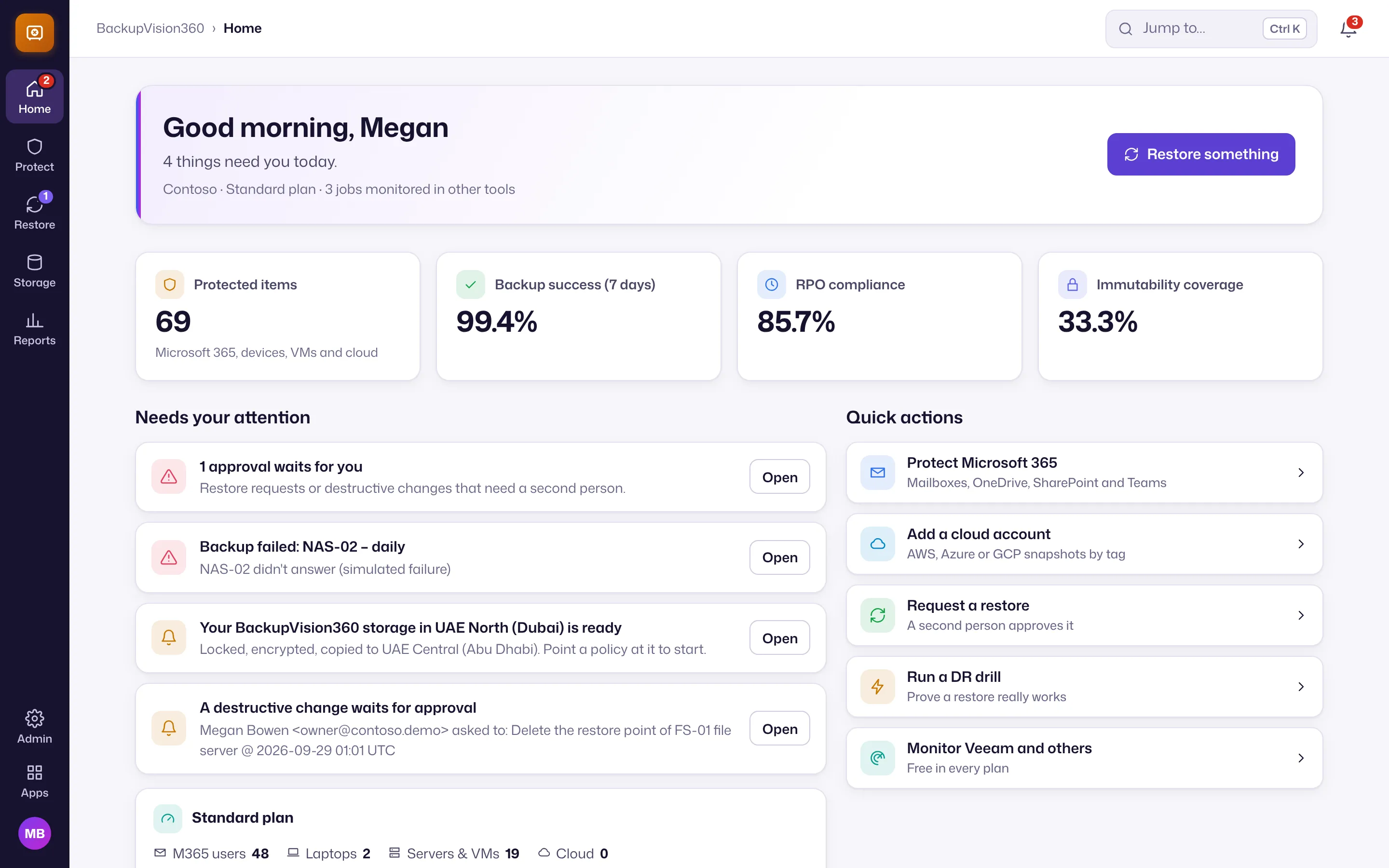
BackupVision360 uses the same layout as every product: an icon rail on the left with Home, Protect, Restore, Storage and Reports, a section panel with each hub’s pages under small headings, and Admin (Customers, Connections, Settings, Users, Audit) at the bottom of the rail. Press Ctrl+K (⌘+K on a Mac) to jump to any page or action. See find your way around.
Next steps
- Get started: storage, Microsoft 365, a policy and your approval rules.
- Plans and pricing: free for up to 10 protected items.
- Want to see it? Book a live demo.