Leaver offboarding
Offboard a leaver in one approved case across sign-in, sessions, licenses, groups, devices and tickets.
Online version, always current: https://cloudvision360.com/docs/itops360/leaver-offboarding/
Offboarding is where access quietly gets left behind. ITOps360 turns it into one approved, tracked case.
What it covers, in one case
When someone leaves, a single offboarding case handles:
- Sign-in — disable the account.
- Sessions — revoke active sessions.
- Licenses — reclaim assigned licenses.
- Groups — remove group memberships.
- Devices — handle the person’s devices.
- Tickets — reassign or close their open tickets.
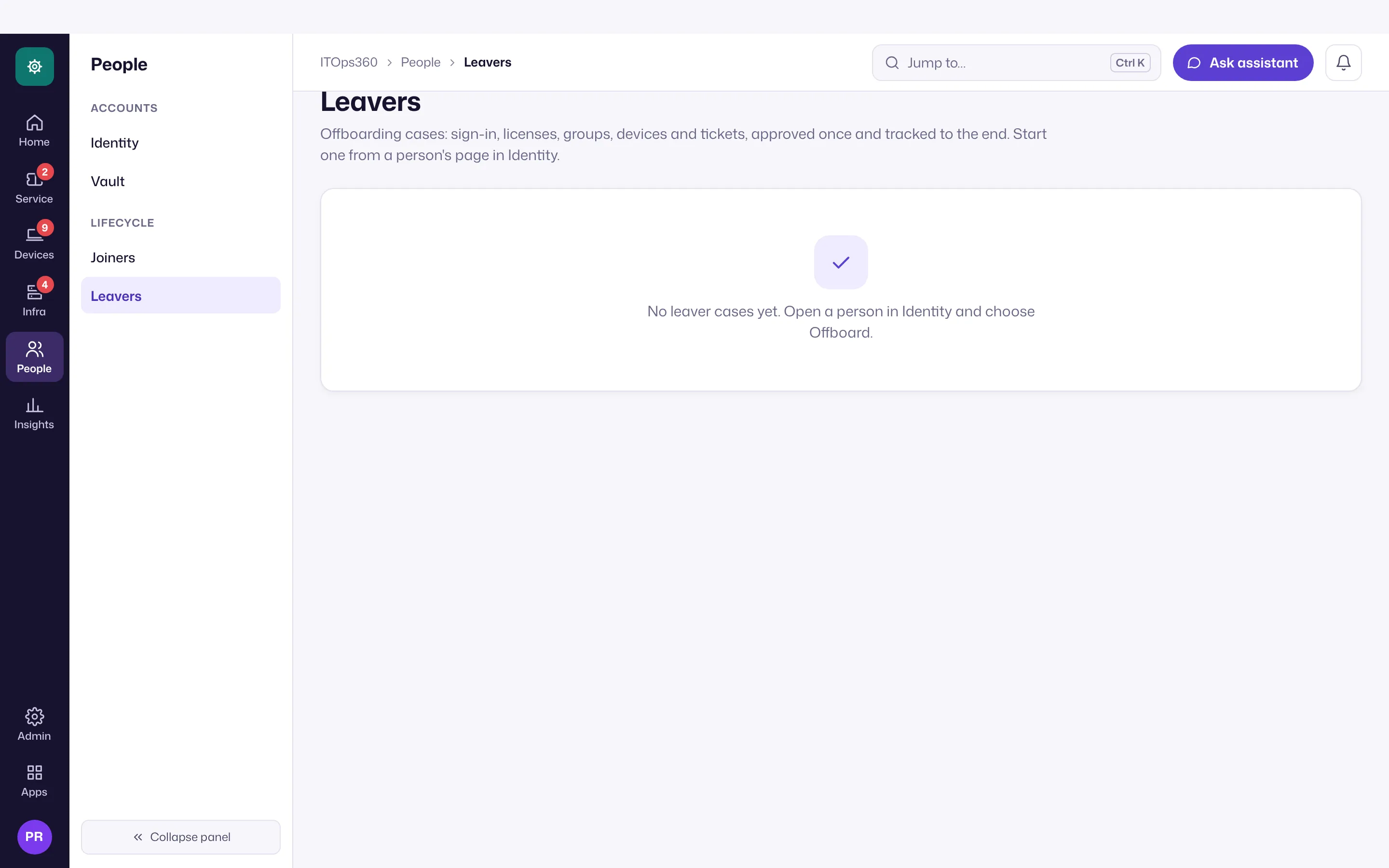
Manual steps are tracked, not forgotten
Some offboarding steps cannot be automated (returning hardware, for example). These are tracked as tasks within the case, so nothing is silently skipped and the case is only complete when every step is accounted for.
Governed
The offboarding case runs under approval and is written to the audit trail, so you have a complete record that access was removed.
Run it
From a user, choose Offboard, review the steps that apply (across AD and Entra and Microsoft 365), and submit for approval.