Cloud snapshots
Provider-native snapshots of AWS, Azure and Google Cloud resources, chosen by tags, with GFS retention, copies, locks and disaster-recovery drills.
Online version, always current: https://cloudvision360.com/docs/backupvision360/cloud-snapshots/
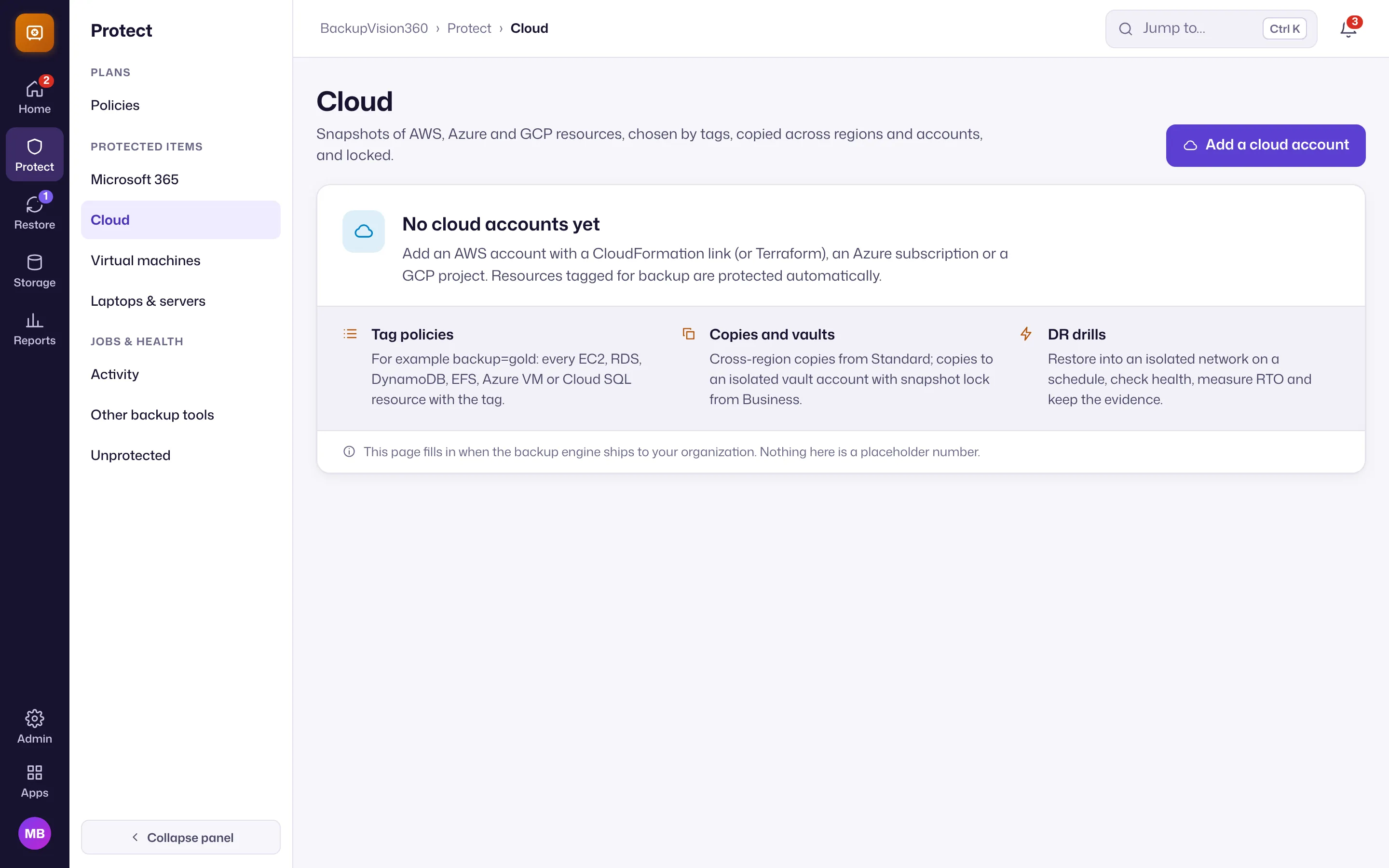
Cloud backup in BackupVision360 works the way cloud teams already think: tag a resource backup=gold and it is protected. Snapshots are taken, copied, locked and restored by the cloud’s own APIs inside your accounts; the data never passes through BackupVision360.
Status
Live connections to your own AWS, Azure and Google Cloud accounts, tag policies, schedules, GFS retention, copies, locks, restores and disaster-recovery drills are new in early access: built and tested, and now being verified with early customers in their own accounts. Simulated accounts are for demos and testing only; production refuses them. Talk to us if you want to be an early user.
What it protects
Twelve kinds of resources: EC2 instances with their volumes, standalone EBS volumes, RDS and Aurora, DynamoDB (through AWS Backup), EFS; Azure VMs, managed disks and SQL databases; Google Cloud instances, disks and Cloud SQL. Each protected resource counts as one cloud item.
How it connects
- AWS: no secret is stored. BackupVision360 assumes roles in your account with your organization’s own external ID: a Snapshot role, a separate Restore role, and a Vault role in an isolated vault account that denies every delete and unlock. A CloudFormation quick-create link and Terraform modules create them with least privilege.
- Azure: service principals with custom roles; snapshots are created and deleted only in a dedicated resource group, and the vault subscription carries a delete lock.
- Google Cloud: service accounts with custom roles; deletion is limited to snapshots BackupVision360 created, with an IAM deny policy in the vault project.
Test access lists every missing permission by name before anything runs. Every object BackupVision360 creates carries ownership tags, so it will only ever delete its own snapshots, and the catalog can be rebuilt from the cloud.
Policies
- Tag selectors: any or all of
key=valuepairs, wildcards, excludes that always win, resource types, regions, or chosen resources. - Schedules: every N hours, daily, weekly or monthly, optionally in a window, in your organization’s time zone.
- GFS retention: keep the last N, plus daily, weekly, monthly and yearly points. The newest good point is never removed.
- Copies: to another region (from Standard) and into an isolated vault account, re-encrypted with the vault’s KMS key (from Business), each with its own lock.
- Locks: EBS snapshot lock and AWS Backup Vault Lock. Azure disk and Google Cloud snapshots have no native lock; the product says so and relies on the isolated vault instead.
Production or backup-tagged resources that no policy covers are listed as Unprotected, never skipped silently. Shortening retention, removing a copy or a lock, or deleting a policy with points is a four-eyes change.
Restores
A cloud restore creates a new instance, volume, database or file system in the subnet and security groups (or resource group) you choose, through the normal restore approval. In-place restores and restores of production accounts need the elevated approval right.
Disaster-recovery drills
On the Business plan, a drill plan restores chosen instances, volumes and RDS or Aurora databases into an isolated network on a schedule, checks they come up, measures the recovery time and tears down only what the run created. The plan is approved once by a second person, and each run keeps print-ready evidence for your auditors. Drills of DynamoDB, EFS, Azure SQL, Cloud SQL and vSphere VMs are on the roadmap.